Your brand
Use a property-facing experience that feels like part of the stay.
WITHQ / Guest App
A branded guest experience for requests, dining, and stay information. Guests open a link or scan a QR code, and every supported request connects to the Q workforce behind the scenes.
See Guest App in action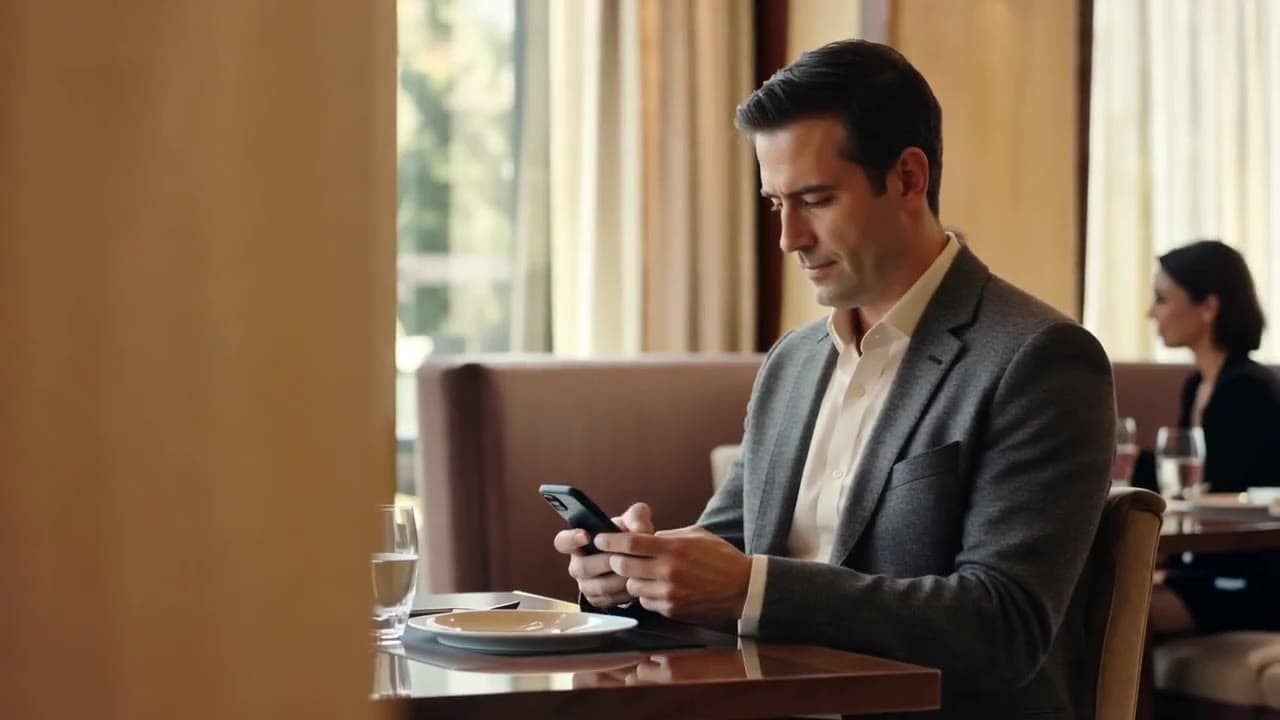
Use a property-facing experience that feels like part of the stay.
Explore the workflowEXPLORE THE WORKFLOW
Choose a step. See the context, the action, and what happens next.
Room 218 · Two bath towels
The guest opens your branded experience and submits a request.
Interactive example. No real bookings or requests are sent.
WHERE Q HELPS
Use a property-facing experience that feels like part of the stay.
Let guests enter through a QR code or link.
Pass requests to the configured team and return confirmed updates.
CONNECTED TO YOUR OPERATION
The guest interface and the operational workflow are scoped together, so the next step is clear on both sides of the request.
Explore integrationsNo. Guests can open the experience from a QR code or link.
Guest App is the branded interface. AI Guest Experience is the connected service that also works across voice and messaging.
Services and request paths are configured around your property and supported workflows.
MAKE IT YOUR WORKFLOW
We’ll show the conversation, the systems, and the handoffs.